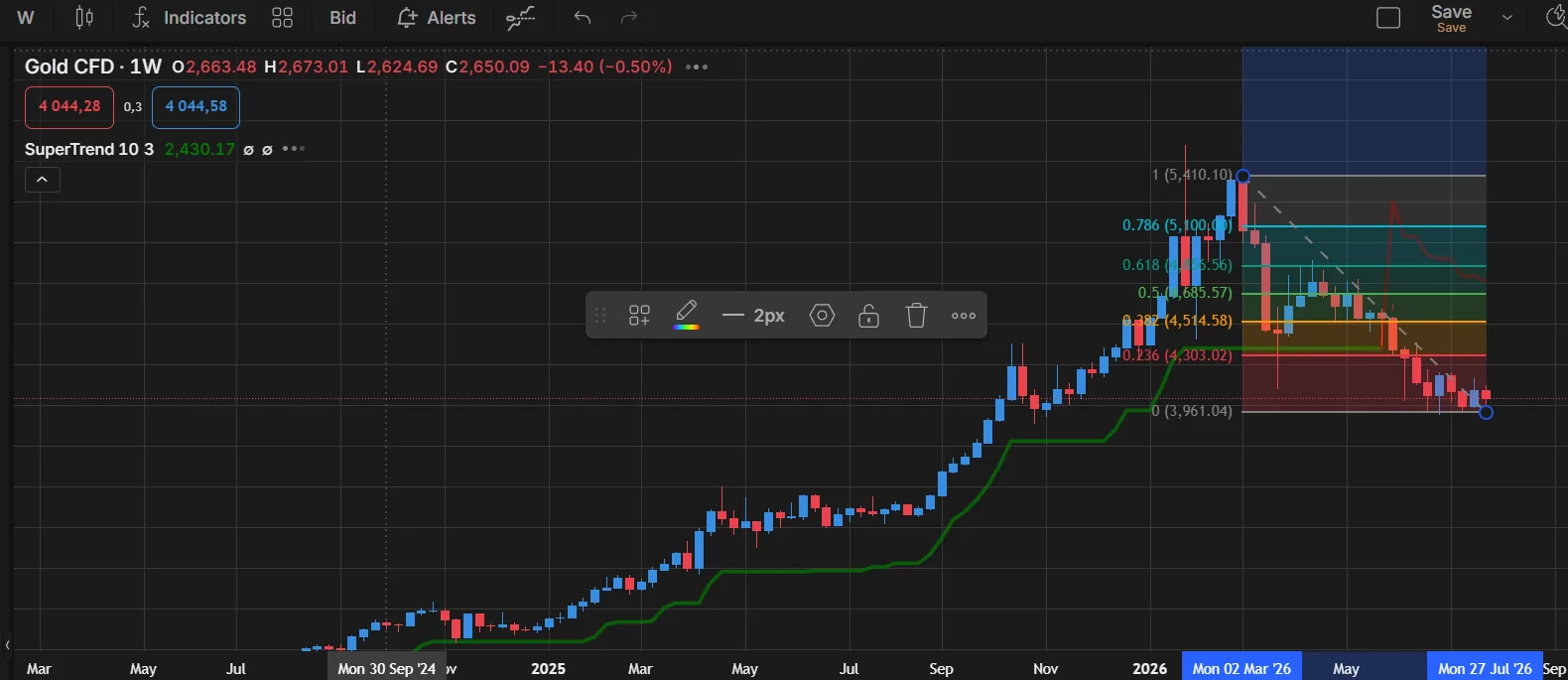
A current guide to TradingView AI Chart Copilot, alert management, chart analysis and how it fits into a webhook bot architecture.
In plain English
This guide uses AI to help plan, write, review or debug code. Generated output still needs version checks, compilation, tests and human-defined production rules.
What TradingView added
TradingView launched AI Chart Copilot as a public beta in 2026. It runs as an official browser extension in Chrome and other Chromium-based browsers. TradingView says it is available to all TradingView users, with possible daily usage limits during the beta.
What it can do
- Explain technical conditions using indicators such as moving averages, RSI and MACD.
- Identify support/resistance and summarize a technical outlook.
- Create alerts for levels it identifies.
- List, pause, restart and delete TradingView alerts conversationally.
- Bring in news, earnings and fundamental context.
- Screen/watchlist ideas using filters and technical conditions.
What it should not replace
Chart Copilot is an analysis and interaction layer, not your deterministic risk engine. It should not be the only component deciding whether a broker order is allowed. A safer design is:
TradingView chart / Copilot
        ↓
reviewed alert condition
        ↓
TradingView alert
        ↓
JSON webhook
        ↓
Cloudflare Worker / VPS validation
        ↓
risk checks + broker adapter
        ↓
execution + confirmation + log
Does the browser need to stay open?
The Copilot extension needs the browser for interactive analysis. The alert itself is different: once a TradingView alert is created, TradingView's servers can trigger it and send a webhook without your PC staying on. Your webhook receiver must still be hosted somewhere that is available.
AI and Pine Script are not the same feature
Pine Script v6 is TradingView's current scripting language. TradingView also warns that general AI models can hallucinate Pine features, mix language versions or produce code that runs but does not do what the user intended. Treat AI-generated Pine as draft code: compile it, inspect it on charts and backtest it.
Official references
Before you rely on this in production
- Prompt states exact language/platform version.
- Generated APIs/functions are verified against documentation.
- Secrets are removed from prompts.
- Generated code is compiled/run and tested before deployment.