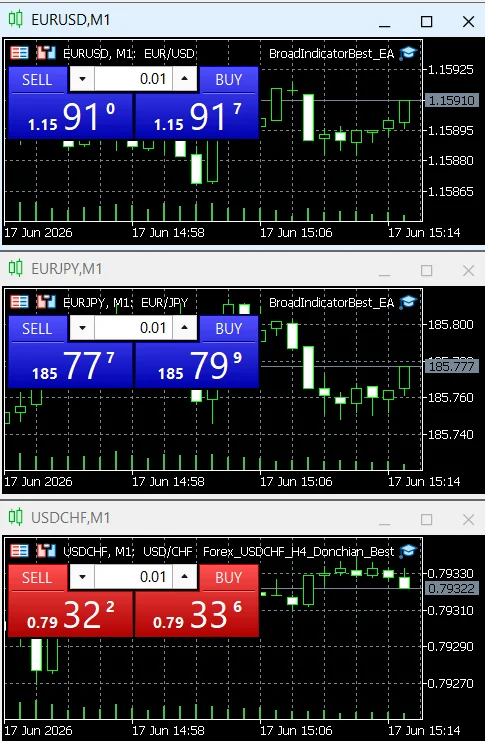
When MT4/MT5 bots need a running PC, when MetaTrader VPS is enough, and when a separate Windows VPS is the better choice.
In plain English
This guide explains automation inside the MetaTrader ecosystem. An EA runs in the terminal; Python integration and 24/7 hosting change where the terminal and supporting code must run.
The short answer
If an MT4 or MT5 Expert Advisor is running in the terminal on your home computer, that computer and terminal must remain running and connected. If you migrate the trading environment to MetaTrader VPS, the EA can keep running in the virtual terminal while your own PC is off.
Four practical setups
| Setup | Can home PC be off? | Best use | Main downside |
|---|---|---|---|
| Home PC + MT4/MT5 | No | Development and short tests | Power, Windows updates, internet and accidental shutdowns. |
| Dedicated mini-PC at home | Your main PC can be off | Low-cost lab / private setup | Still depends on home power and internet. |
| MetaTrader VPS / Virtual Hosting | Yes | MQL4/MQL5 EAs and signal subscriptions | No normal operating-system access; it is a virtual terminal, not a general-purpose server. |
| External Windows VPS | Yes | MT5 terminal plus Python, helper services or custom monitoring | More administration and cost. |
MetaTrader VPS is not the same as a Windows VPS
MetaTrader's virtual hosting is designed to migrate the active terminal environment — charts, EAs, indicators and signal subscriptions. The service rules state that you do not get physical access to the rented virtual terminal. That is excellent for a native EA, but it is not the place for arbitrary Python services, Docker or custom Windows tools.
Python + MetaTrader 5
The official MetaTrader5 Python package establishes a connection to the MetaTrader 5 terminal. A 24/7 Python+MT5 bot should normally run Python and the terminal on the same controlled Windows machine or Windows VPS. The built-in MetaTrader VPS is not a general-purpose Python host.
Where Cloudflare and DigitalOcean fit
Cloudflare Workers and a Linux VPS such as DigitalOcean are excellent for webhook receivers, REST APIs, databases, monitoring and broker APIs that do not require a desktop trading terminal. For an architecture that must physically run the MetaTrader client, a Windows environment is the more direct path.
Does TradingView need your PC?
TradingView alerts run on TradingView's servers after you create them. If the alert sends a webhook to a hosted Worker or VPS, your home PC can be off. A browser extension or browser agent is different: it needs an active browser/session for interactive work and should not be treated as the 24/7 execution engine.
Official references
Before you rely on this in production
- Correct MT4/MT5/MQL version is used.
- Terminal and account connection are verified.
- Demo/tester behavior is checked before live mode.
- 24/7 hosting assumptions are tested after restart.