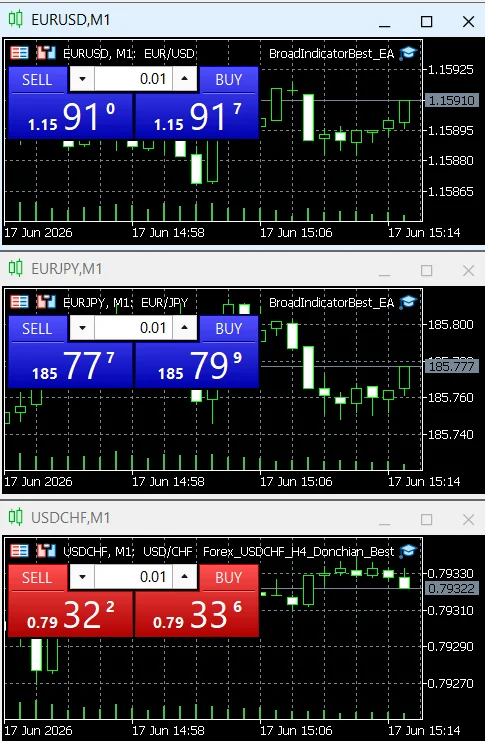
A practical MT4 vs MT5 comparison for Expert Advisors, testing, Python integration, VPS hosting and long-term bot development.
In plain English
This guide explains automation inside the MetaTrader ecosystem. An EA runs in the terminal; Python integration and 24/7 hosting change where the terminal and supporting code must run.
Both platforms can run trading robots
MetaTrader calls automated trading programs Expert Advisors (EAs). MT4 uses MQL4, while MT5 uses MQL5. Both languages can implement strategy rules, indicators, order management and utilities, but the development environment and testing capabilities are not identical.
MT4: positives and negatives
| Positive | Negative |
|---|---|
| Large legacy ecosystem of EAs, indicators and MQL4 examples. | Older platform and language ecosystem; new platform capabilities are concentrated in MT5/MQL5. |
| Simple choice when your broker/account and existing code are already MT4-based. | Code written for MT4 is not automatically an MT5 EA; migration usually needs changes and testing. |
| MQL4 is purpose-built for trading automation. | Less attractive for new projects that need advanced multi-asset testing or official Python integration. |
MT5: positives and negatives
| Positive | Negative |
|---|---|
| MQL5 has a C++-like language model and an extensive trading API. | More concepts to learn: orders, deals, positions, event handlers and account execution modes. |
| Strategy Tester supports real-tick testing, multi-threading and multi-asset tests; optimization can use local agents, a local network and the MQL5 Cloud Network. | Powerful optimization makes it easy to overfit if you tune parameters without out-of-sample validation. |
| Official Python integration connects Python directly to the MT5 terminal. | The Python package still depends on a MetaTrader 5 terminal and does not expose every event model available to native MQL5 EAs. |
| MQL5 documentation includes database, Python and ONNX-related tooling. | A larger toolset means more deployment choices and more ways to build an unnecessarily complicated system. |
Which one should a new project choose?
If you are starting from zero and the broker supports both, MT5 is usually the stronger technical base because its tester and integration options are more capable. MT4 still makes sense when you have a broker/account that requires it or a proven MQL4 codebase you do not want to rewrite.
Do you need a PC running?
Yes if the EA runs in a MetaTrader terminal on your own PC. No if you migrate the EA to MetaTrader's virtual hosting or run the terminal on a separate Windows VPS. The 24/7 hosting guide explains the important difference between a native MQL EA and a Python+MT5 setup.
Official references
Before you rely on this in production
- Correct MT4/MT5/MQL version is used.
- Terminal and account connection are verified.
- Demo/tester behavior is checked before live mode.
- 24/7 hosting assumptions are tested after restart.