A field guide to common automation failures: rejected orders, stale sessions, missing data, duplicate events, restart loops and silent bots.
In plain English
This guide turns a vague “the bot did nothing” problem into layers you can inspect: input, validation, state, external API, response, persistence and monitoring.
Start with the first broken layer
If “the bot did nothing,” first prove whether an input arrived. Then prove validation, decision logic, broker request, broker response and persistence in that order. Do not debug all layers at once.
1. Order rejected by broker
Log the exact broker reason and request context. Check market status, account permissions, instrument identifier, size, margin and conflicting positions. Do not hide rejection details behind a generic order_failed.
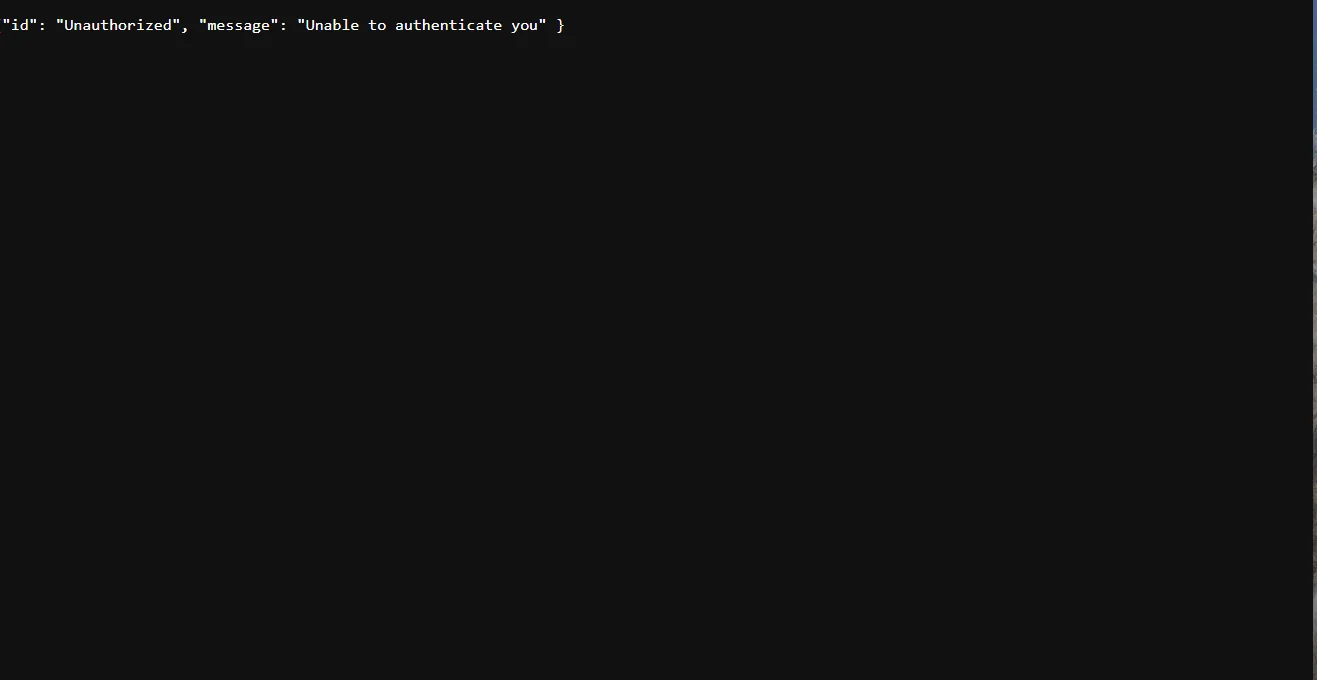
2. Session expired
Centralize authentication so all broker calls share one session manager. A bot that recreates sessions independently in several loops can hit login rate limits and create races.
3. “No trades” but service is active
Check last market-data timestamp, signal counts, rejection counters and current thresholds. Process status alone does not prove data is flowing.
4. Duplicate execution after timeout
Use event IDs and reconciliation. After an uncertain write, query broker state before resending.
5. Restart loop
Use a restart delay and inspect the first error after startup. Later errors may only be consequences.
6. Learning/update job times out
Profile the slow section, reduce repeated database scans, cache static inputs, batch work and put a hard maximum on data ranges. Faster code is useful only if it produces the same validated result.
7. Missing shell tool
A missing CLI such as sqlite3 does not necessarily mean the language runtime cannot access the same format. Diagnose capability at the layer the application actually uses.
Before you rely on this in production
- The failing layer is isolated before changing parameters.
- Timestamps and request IDs are collected.
- One change is tested at a time.
- Retries are avoided when the previous external action is uncertain.